
WordPress Errors

Is WordPress Down, or Is It Just Me? A Troubleshooting Checklist

Is your WordPress site displaying a blank screen or an error message? Before you panic, our guide helps you answer the critical question: “Is WordPress down for everyone, or is it just me?” Follow our step-by-step troubleshooting checklist to quickly diagnose the real cause—from simple browser cache issues to plugin conflicts and hosting outages—and get your site back online fast.
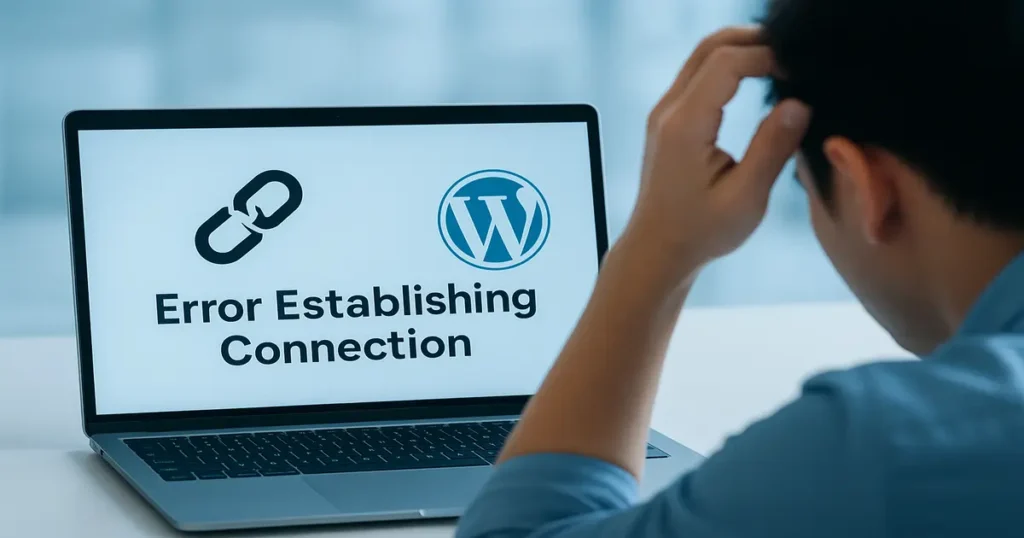
A person troubleshooting a "Error Establishing Connection" message on a laptop screen with the WordPress logo, asking "Is WordPress down?"

Is WordPress Down, or Is It Just Me? A Troubleshooting Checklist Read Post »

WordPress Security & Maintenance, , , , , , , , ,
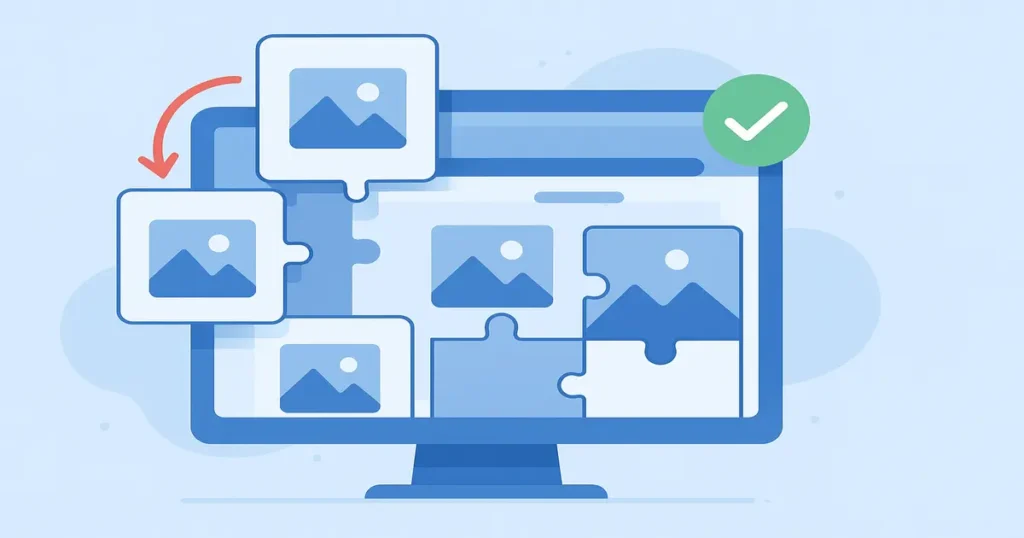
How to Reduce Cumulative Layout Shift (CLS) on Your WordPress Blog

Is your WordPress blog suffering from a case of the “jumps”? A high Cumulative Layout Shift (CLS) score creates a frustrating user experience and damages your SEO. In this step-by-step guide, you’ll learn how to reduce cumulative layout Shift and how to slay the CLS monster by fixing the most common culprit: image layout shift. We’ll show you how to use free tools like LiteSpeed Cache to automatically add missing image dimensions and finally achieve a rock-solid, stable blog that Google and your visitors will love. Stop the jump and start ranking!

Illustration showing how to reduce Cumulative Layout Shift (CLS) by fixing image dimensions on a WordPress website.

How to Reduce Cumulative Layout Shift (CLS) on Your WordPress Blog Read Post »

WordPress Security & Maintenance, , , , , , , , , , , , , , , , , , ,
Scroll to Top